

This guide explains how to add an email address to your blacklist and whitelist.
- Log in to the Client Area
- Navigate to Plesk (click for guide).
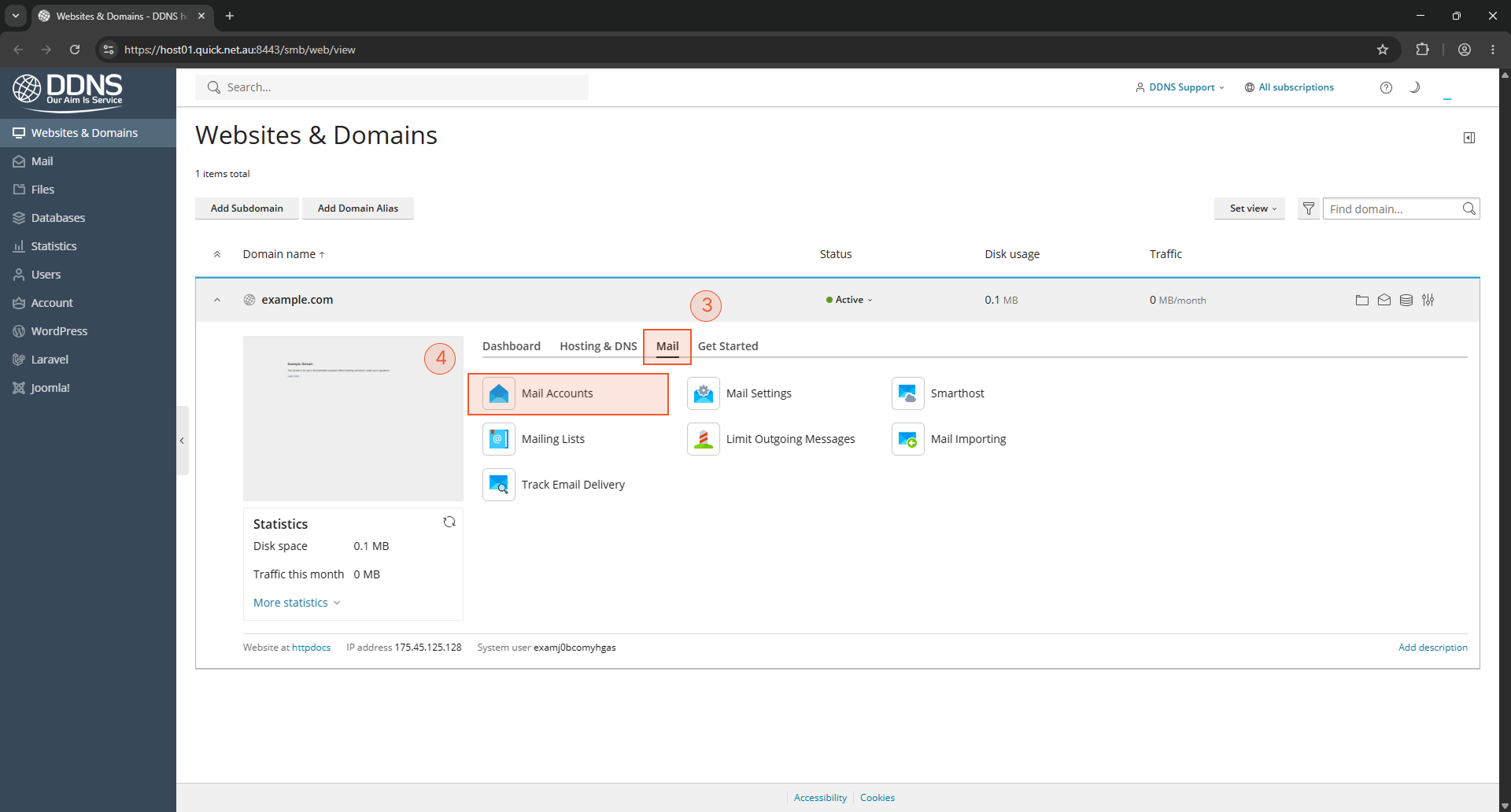
- Click the Mail tab.
- Click Mail accounts
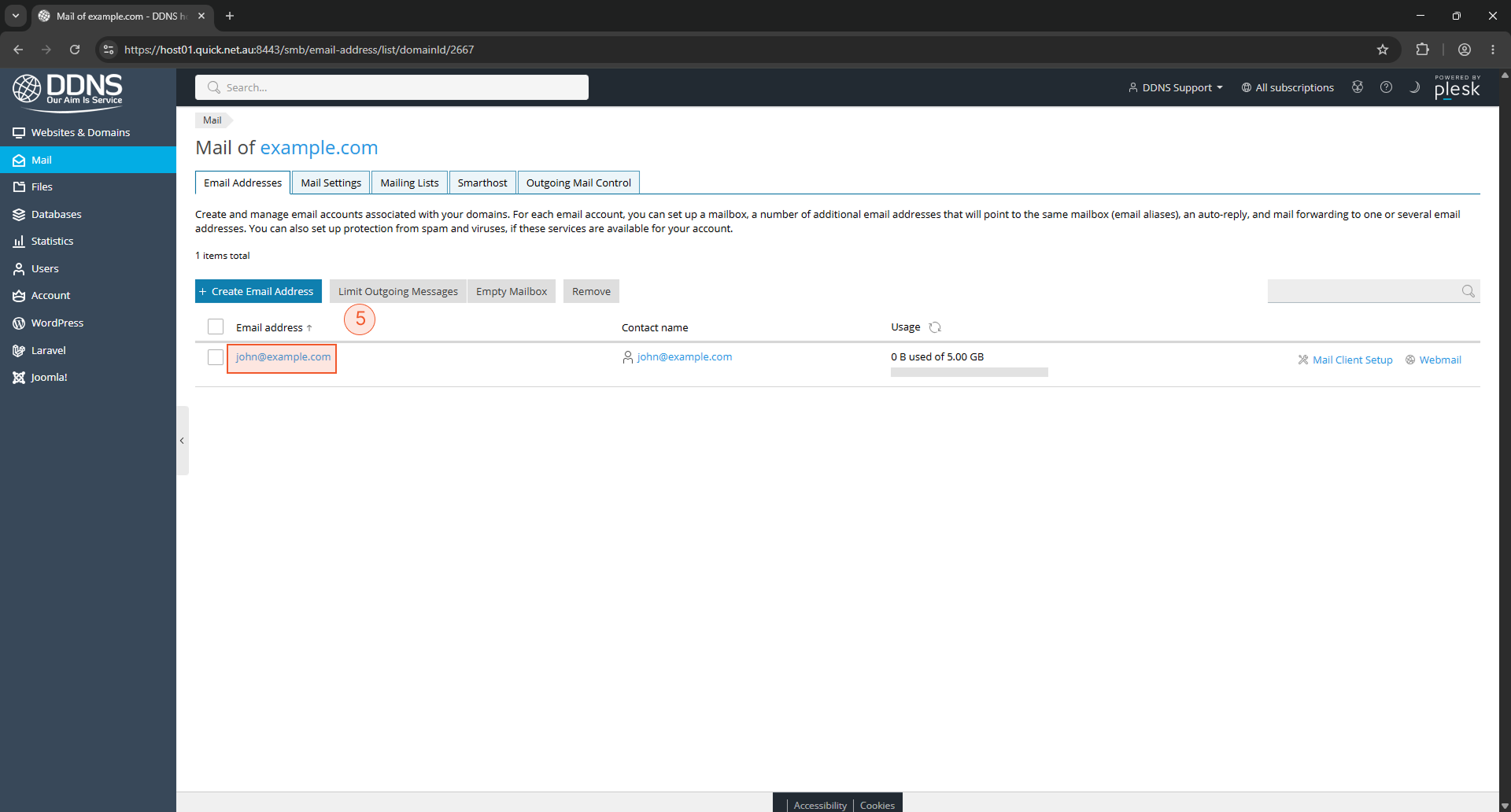
- Click the hyperlink for your email address (john@example.com)
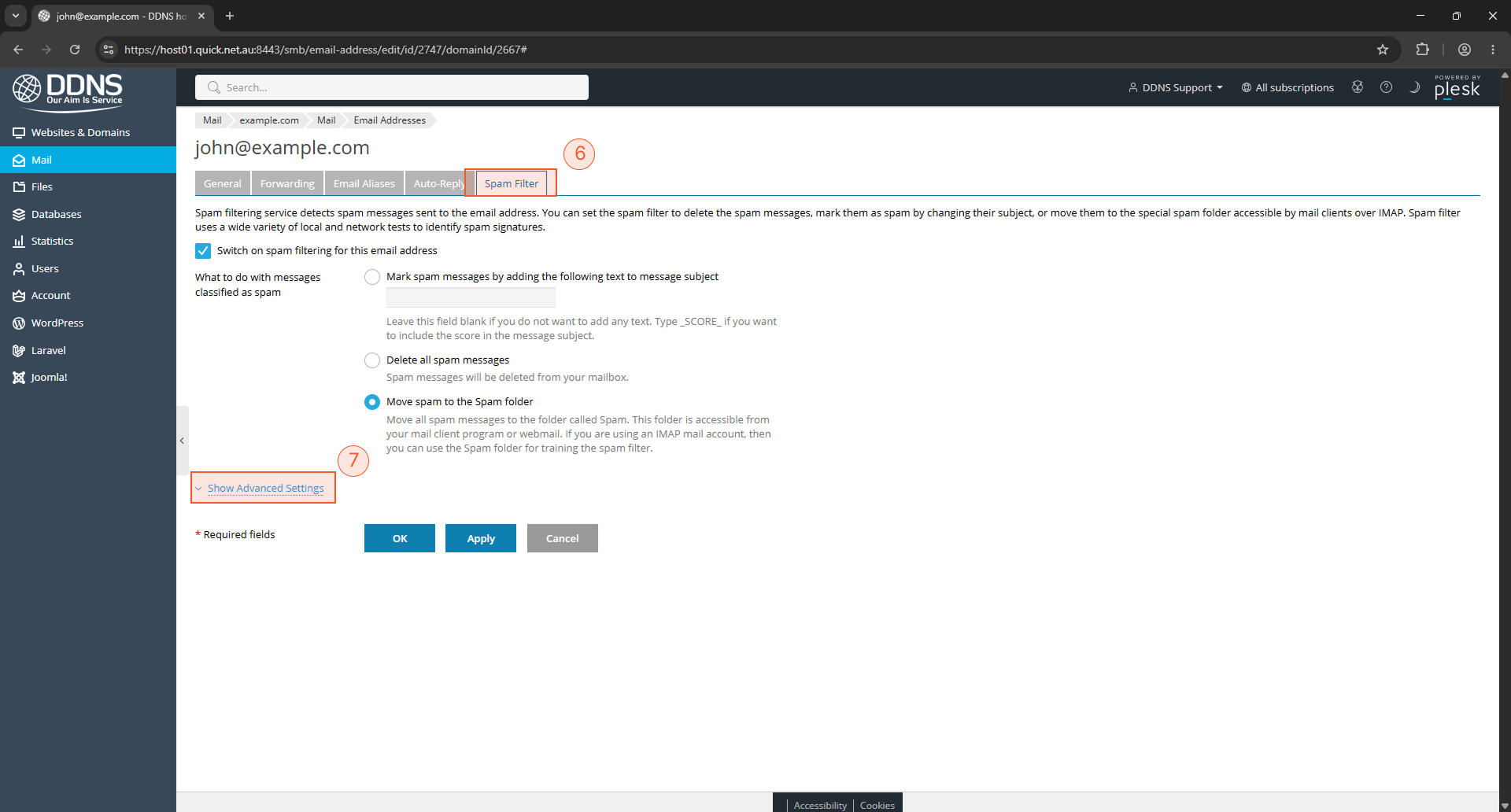
- Click Spam filter
- Click Show Advanced Settings
- You will see a box for the whitelist and another box for the blacklist.