This guide explains how to access the Plesk hosting control panel
- Log in to the Client Area
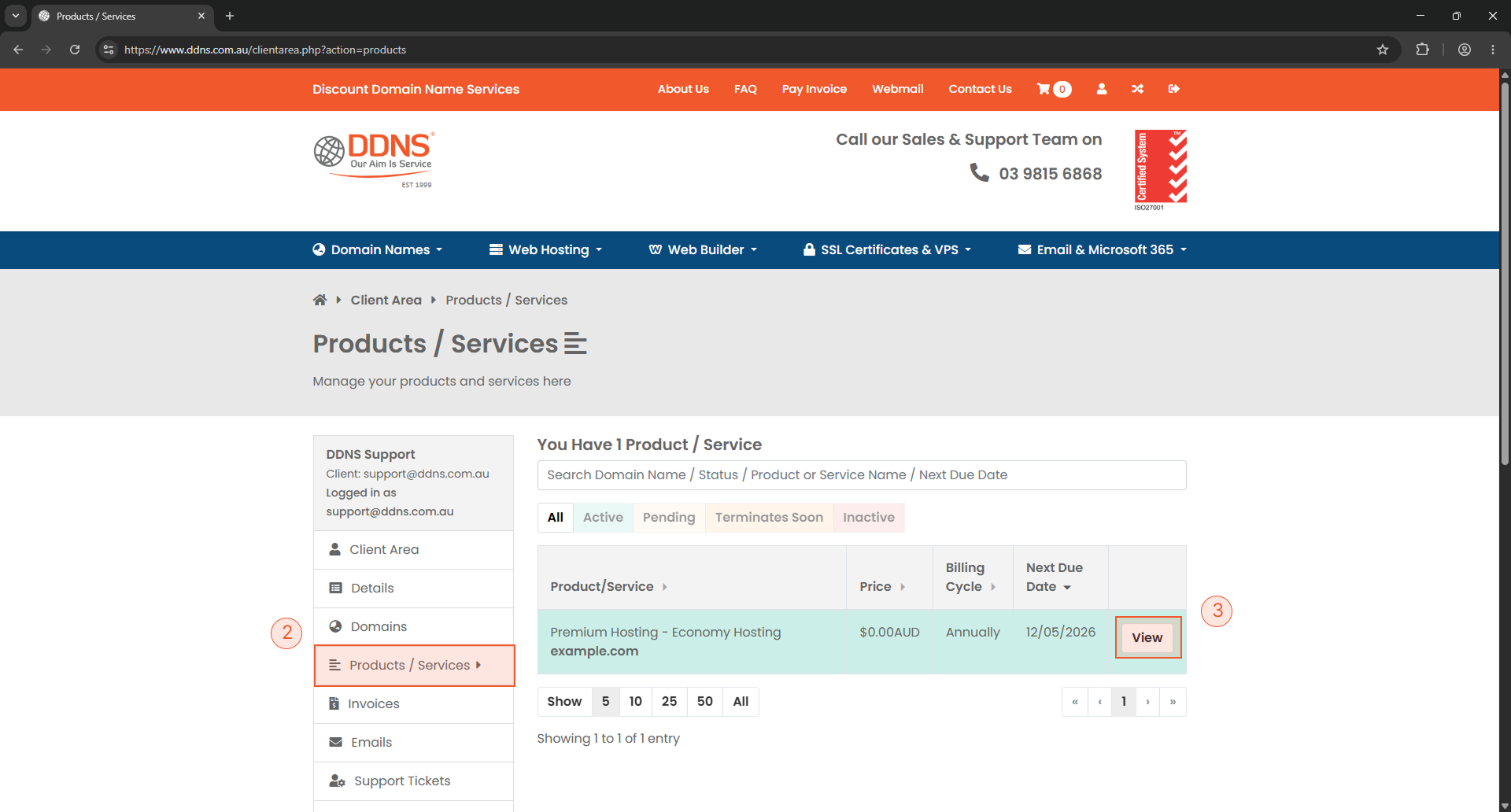
- Click Products on the left hand menu
- Click View next to the account you wish to manage
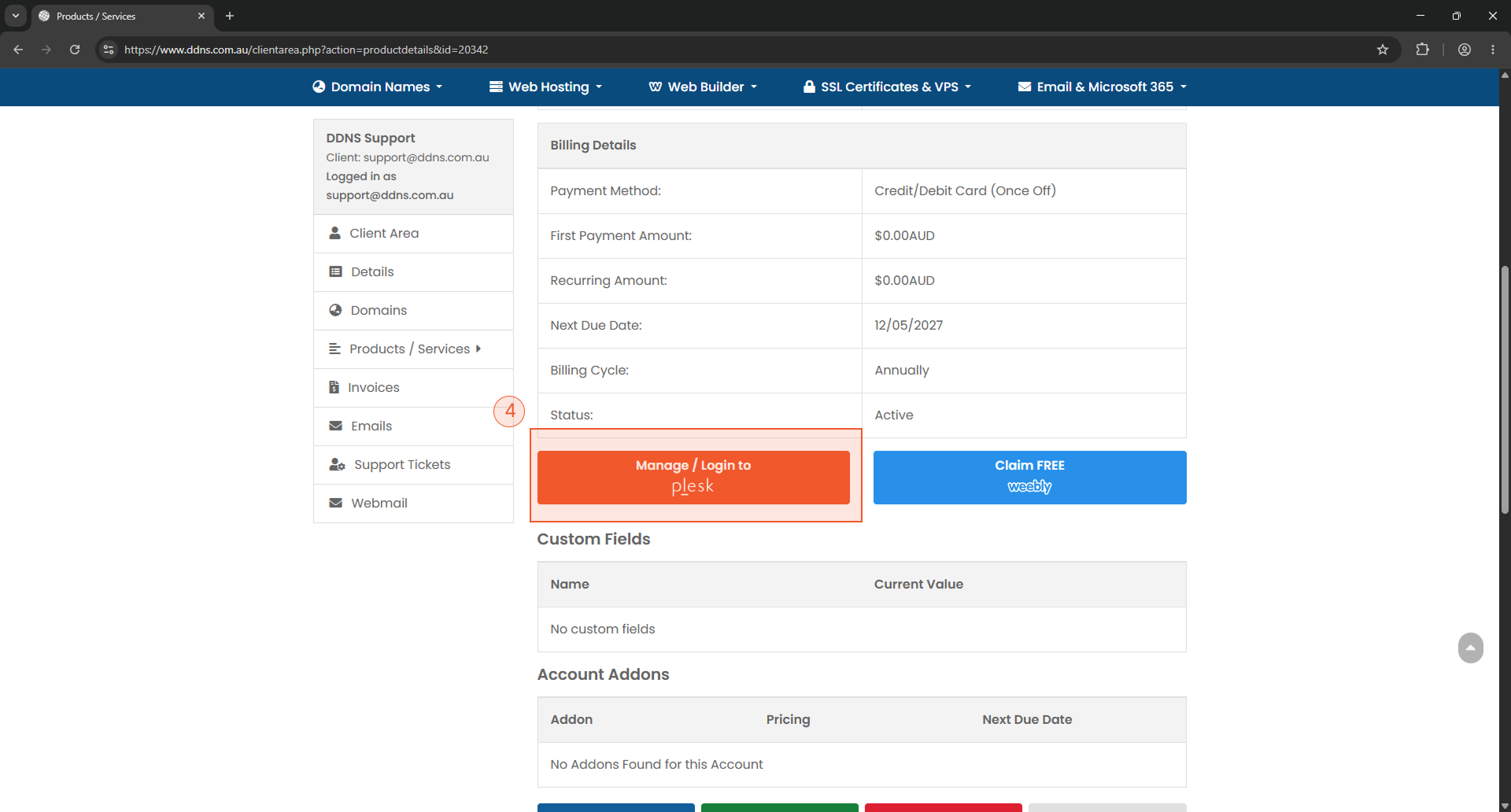
- Click Login To Plesk

This guide explains how to access the Plesk hosting control panel

FAQ - Support