
This guide explains how to find and send email headers, which we may ask for when troubleshooting an issue on your account.
- Log in to our webmail using your email address and password.
- Select an email.
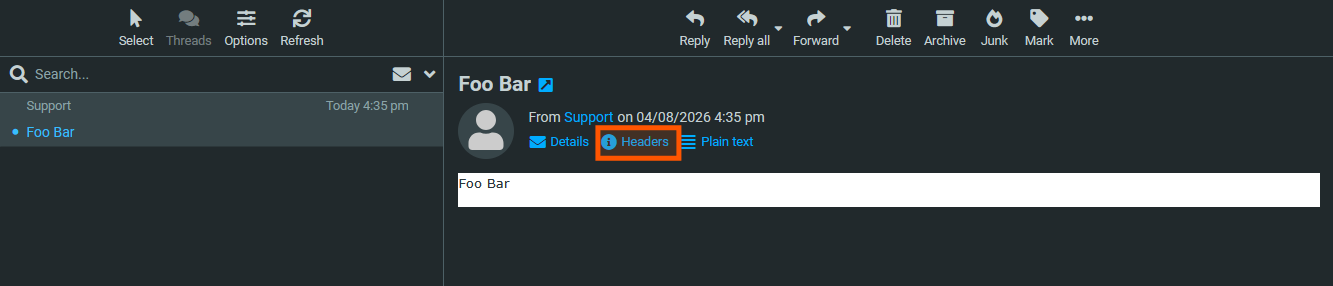
- Click the 'Headers' button.
- Copy the contents of the box that appears.
- Paste them into an email and send to support@ddns.com.au, along with any additional context if needed.