
This guide explains how to use the Plesk Backup Manager
1. Log in to the Client Area
2. Click on Products / Services
3. Click View next to the account you wish to manage
4. Click Login To Plesk
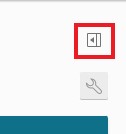
5. Click the little box with the arrow on the far top right-hand side to expand the sidebar menu
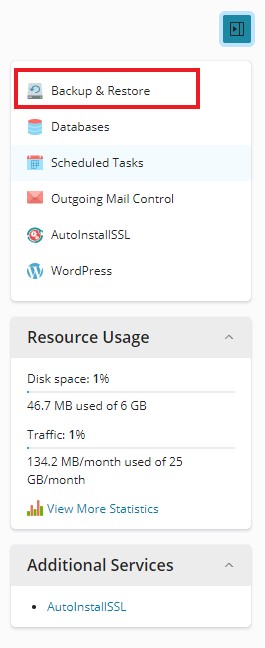
6. Click the first option in this sidebar menu labelled Backup & Restore
7. Click the Backup button at the top

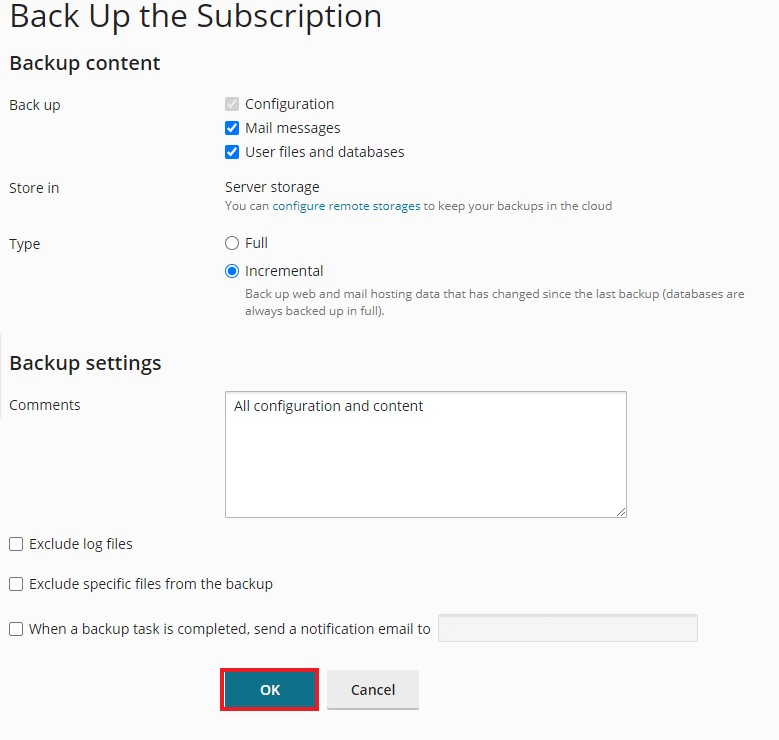
Leave the Default settings as Incremental as if this is the first Backup, it will do a full backup automatically
8. Click OK